


AI Photo Beauty Editor Studio
4.283.00 Reviews
App Specs
- Version
- 1.3.3
- Updated On
- License
- Free
- Downloads
- 1,000,000+
- Developer
- ATQ - AI Lab
- Categories
- Photography
- Platform
- Android
Screenshots
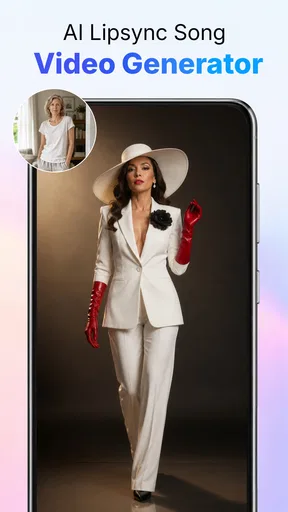
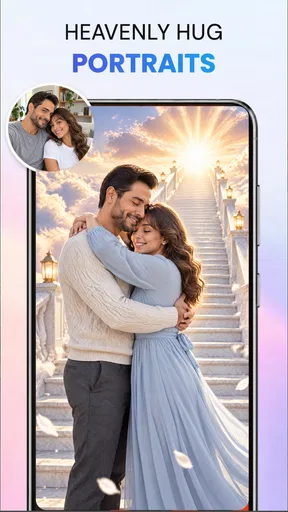
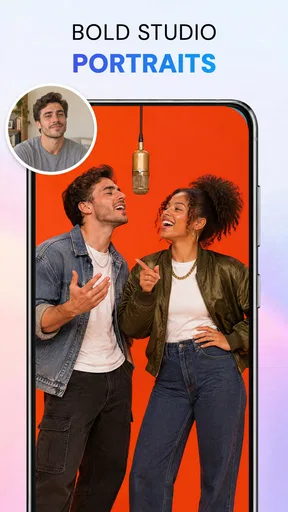

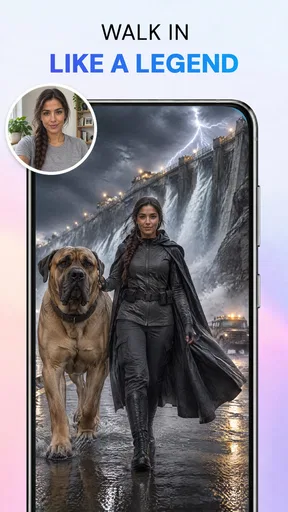
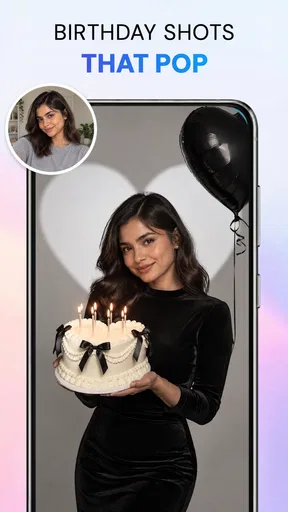
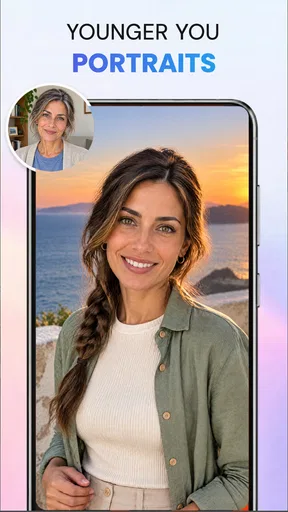
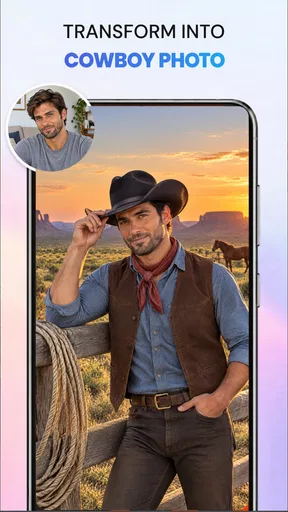
 Analysis by AppCompare
I tend to reach for a phone editor when I want to improve one picture quickly, not when I want to spend an evening learning a full desktop workflow. That is the kind of use AI Photo Beauty Editor Studio is aimed at: a photography app from ATQ - AI Lab that puts prompt-based editing and AI-assisted portrait work within reach of everyday users. It is free to install, rated for Everyone, and sits at a 3.3 average from around 540 ratings, so I would approach it as a practical tool to try rather than assume it will suit every editing style.
What I would use it for day to day
The most appealing part of a prompt-led editor is the chance to describe a change instead of hunting through several menus. The app is presented for retouching, background removal, object removal, and enhancement, which makes it relevant to the small fixes that come up in ordinary photos: cleaning up a distracting detail, making a portrait feel more polished, or giving a product shot a less cluttered setting. I would still check each result carefully. AI edits can misunderstand edges or alter details you wanted to keep, especially around hair, glasses, and objects that overlap.
A useful habit is to start with a copy of the original image and make one change at a time. If a prompt asks for several edits together, it can be harder to tell which instruction caused an odd result. I would first remove the unwanted object, inspect the repaired area, and only then try a separate enhancement. This makes it easier to undo a poor choice and keeps the final image closer to the photograph I actually took.
Who will get the most from it
I can see this being handy for someone who posts occasional portraits, prepares a quick marketplace image, or wants a simple way to tidy up a photo before sending it to friends. It is also a reasonable starting point for people curious about AI editing but unwilling to learn a layered editor. The app has reached over 500,000 installs, suggesting that this kind of accessible mobile workflow has a broad audience, although popularity alone does not tell me whether its particular tools fit your needs.
It is less compelling if you need exact, repeatable control over a batch of images, careful retouching for paid work, or dependable preservation of fine details. In those cases, I would rather use a conventional editor with clearly adjustable selections and layers. The trade-off is straightforward: prompt-driven AI may save steps on a quick one-off correction, while a manual workflow usually offers more control when the result has to be precise.
Network-dependent moments and mobile use
AI editing can involve more than tapping a filter: a prompt has to be interpreted and an image change has to be produced. That makes connectivity worth considering before you begin an edit, particularly if you are away from a reliable connection. I would plan to try the AI-heavy work while connected rather than count on it behaving the same way in every network situation. For a trip or commute, it is sensible to choose the image and think through the intended change beforehand, then leave time to review the result when the app can respond properly.
A realistic example is taking a quick portrait at a café before meeting someone. If a bright sign or passer-by distracts from the subject, an object-removal prompt could be worth trying, followed by a careful check of the nearby table edge, hair, or clothing. I would not make that edit in a rush and immediately replace the only copy of the photo. Keeping the original gives me a fallback if the repair leaves a smeared patch or changes a detail I care about.
Worth Reading Before You Choose

Flipboard Shows What News Apps Must Do Beyond the Feed

Switching to Android Auto Means Rethinking Your Driving Routine

Google Calendar Makes a Crowded Week Easier to Manage

Ludo King Makes the Most of the Minutes Between Plans

Baby Panda World Brings Quick Play to Modern Phones, but Its Game Library Feels Busy

ESPN’s Live Game View Makes Following Close Games Easier
Handling mistakes and spending carefully
AI results are suggestions, not guaranteed fixes. When an edit looks wrong, I would undo it, simplify the instruction, and work on a less complicated area rather than repeating the same broad prompt. Busy backgrounds and overlapping subjects are particularly difficult cases for automated cleanup. That is not a reason to avoid the app; it is a reason to treat the output as a draft and inspect it at normal size before sharing or printing.
The app is free to download, with in-app purchases ranging from $7.99 to $39.99 per item. I would explore the free experience first and only consider a purchase after confirming that the specific tools I want are available and useful in my own workflow. The current version is 1.1.0 and requires Android 7.0 or later. It is a relatively focused mobile option, not a substitute for every kind of photo software, and I would compare the value of any paid option with a manual editor if I needed frequent precision work.
How the editing experience comes together
For me, the best reason to try this app is convenience: its focus is on making common photo changes approachable without asking me to master a complicated editing setup. I would use it for selective fixes and quick portrait polish, then rely on my own judgement to decide whether the AI result looks believable. The main question to ask yourself is whether speed and guided edits matter more than detailed control.
First Impressions: A User-Friendly Interface
Opening the app for the first time, I was greeted with a sleek and intuitive interface. Everything is laid out in a way that makes sense, even if you're not a tech guru. You can easily navigate through the different features without feeling overwhelmed. The design is clean, and the icons are self-explanatory, which is a big plus for those who just want to jump in and start editing.
Features that Stand Out
The AI Photo Beauty Editor Studio comes packed with features that are both fun and functional. From basic adjustments like brightness and contrast to more advanced options like AI-powered skin smoothing, it's got everything you need to enhance your photos.
One of my favorite features is the AI beautification tool. It's like magic! With just a few taps, it can remove blemishes, smooth out skin, and even add a natural-looking glow to your face. It's perfect for those selfies that need a little extra touch before you share them on social media.
Another feature worth mentioning is the wide variety of filters. Whether you're looking for something vintage, vibrant, or subtle, there's a filter for every mood. And the best part? You can adjust the intensity, so your photos never look over-edited.
Playing with the Editing Tools
For those who like to get a bit more hands-on with their editing, the app offers a range of tools that let you fine-tune your photos. You can crop, rotate, and straighten your images with ease. The color adjustment tools allow you to tweak the hue, saturation, and temperature to get that perfect look.
One feature that really caught my attention was the background changer. Ever took a photo with a less-than-ideal backdrop? This tool lets you swap it out with something more appealing. It’s surprisingly accurate and does a fantastic job of blending the new background seamlessly.
AI-Powered Enhancements
The AI capabilities in this app are truly impressive. The app's ability to automatically detect and enhance facial features is spot-on. It’s like having a professional photographer guiding you through the process. The AI doesn’t just stop at skin smoothing; it also enhances the eyes and teeth, making them pop without looking unnatural.
Another cool AI feature is the auto-enhance button. If you're in a hurry, just tap it and watch the app work its magic. It analyzes your photo and applies a combination of adjustments to make your image look its best.
Sharing and Saving: Easy Peasy
Once you're satisfied with your masterpiece, sharing is a breeze. The app offers direct sharing to all major social media platforms, so you can show off your creations with just a tap. You can also save your photos in high resolution, which is great for printing or storing in your personal gallery.
Final Thoughts
Overall, AI Photo Beauty Editor Studio is a fantastic app for anyone looking to enhance their photos with ease. Whether you're a casual user or a photo enthusiast, this app has something for you. The combination of powerful AI tools and a user-friendly interface makes it a standout in the crowded world of photo editing apps. If you haven't tried it yet, give it a download and see the magic for yourself!
Pros
- Intuitive interface for quick edits.
- Wide range of beauty filters.
- Real-time preview of changes.
- High-resolution output quality.
- Supports batch processing for efficiency.
Cons
- Some features require in-app purchases.
- Occasional lag on older devices.
- Limited export formats available.
- Ads can be intrusive at times.
- No offline mode available.
FAQs for AI Photo Beauty Editor Studio
What features does AI Photo Beauty Editor Studio offer?
AI Photo Beauty Editor Studio provides a wide range of features designed to enhance your photos effortlessly. It includes tools for retouching skin, adjusting lighting, and applying artistic filters. Users can also enjoy advanced AI-powered tools for facial recognition, allowing for seamless edits and transformations. The app is suitable for both casual edits and professional-grade enhancements.
Is AI Photo Beauty Editor Studio user-friendly for beginners?
Yes, AI Photo Beauty Editor Studio is designed with a user-friendly interface that caters to both beginners and seasoned photo editors. The intuitive layout and guided tutorials help new users navigate through the various editing tools with ease. Additionally, the AI-powered features streamline the editing process, making it simpler to achieve desired results quickly.
Does AI Photo Beauty Editor Studio support high-resolution images?
Absolutely, AI Photo Beauty Editor Studio supports high-resolution images, ensuring that the quality of your photos is maintained throughout the editing process. Whether you are editing pictures taken with a smartphone or a professional camera, the app provides the tools necessary to preserve image clarity and detail, even after extensive edits.
Are there any subscription fees or in-app purchases in AI Photo Beauty Editor Studio?
AI Photo Beauty Editor Studio offers a free version with basic features, but for access to premium tools and effects, a subscription or in-app purchases may be required. The pricing is competitive, and the premium version unlocks additional features that enhance the editing experience. It’s advisable to review the subscription details in the app store before downloading.
Can AI Photo Beauty Editor Studio be used offline?
While some features of AI Photo Beauty Editor Studio can be used offline, certain advanced functions, particularly those relying on AI and cloud processing, require an internet connection. Basic editing tools and filters are accessible without connectivity, making it convenient for users who need to edit photos on the go without immediate internet access.


